A weapon wheel
for your Mac
Hold ⌥Space. Point. Let go.
For macOS 14 or later

Try it right here
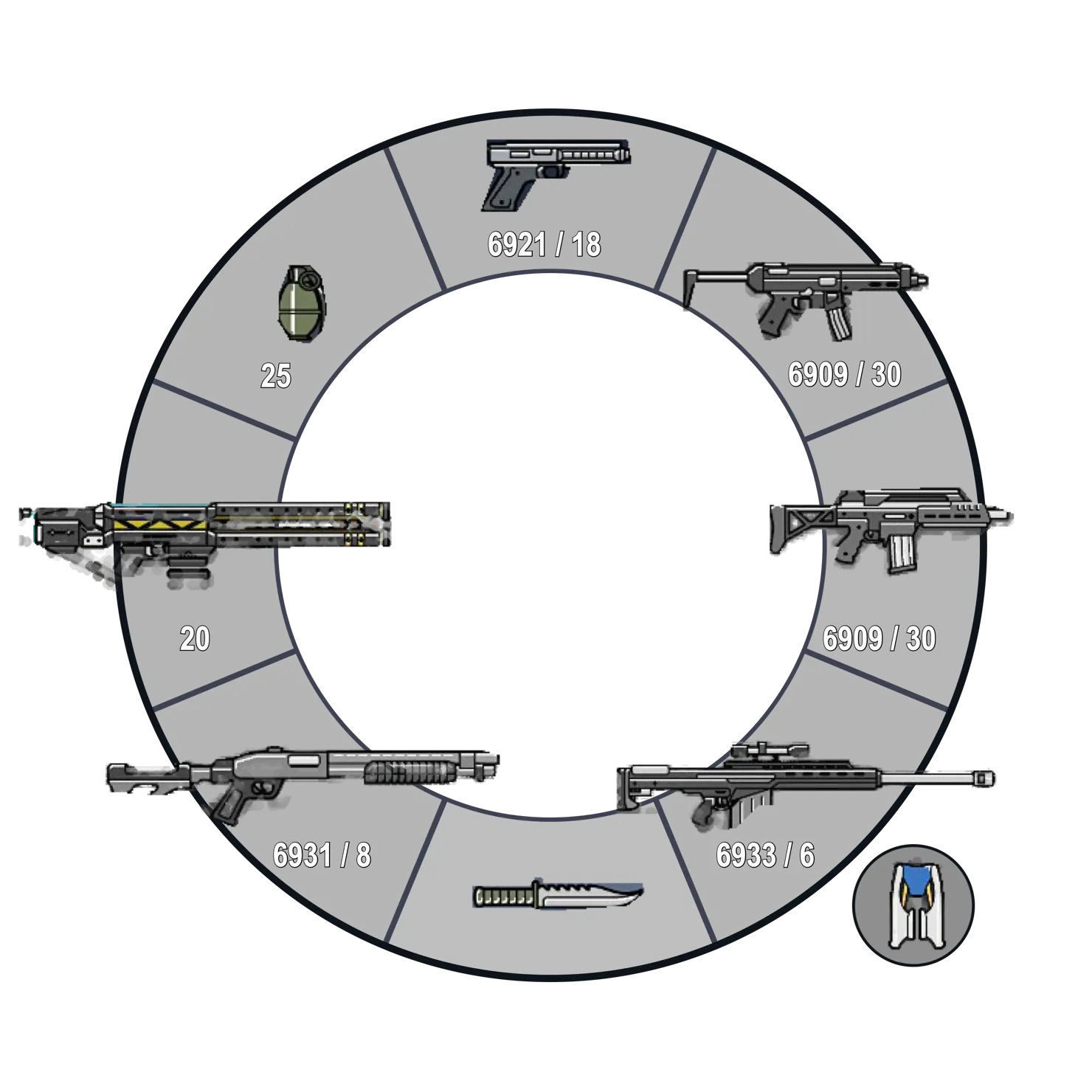
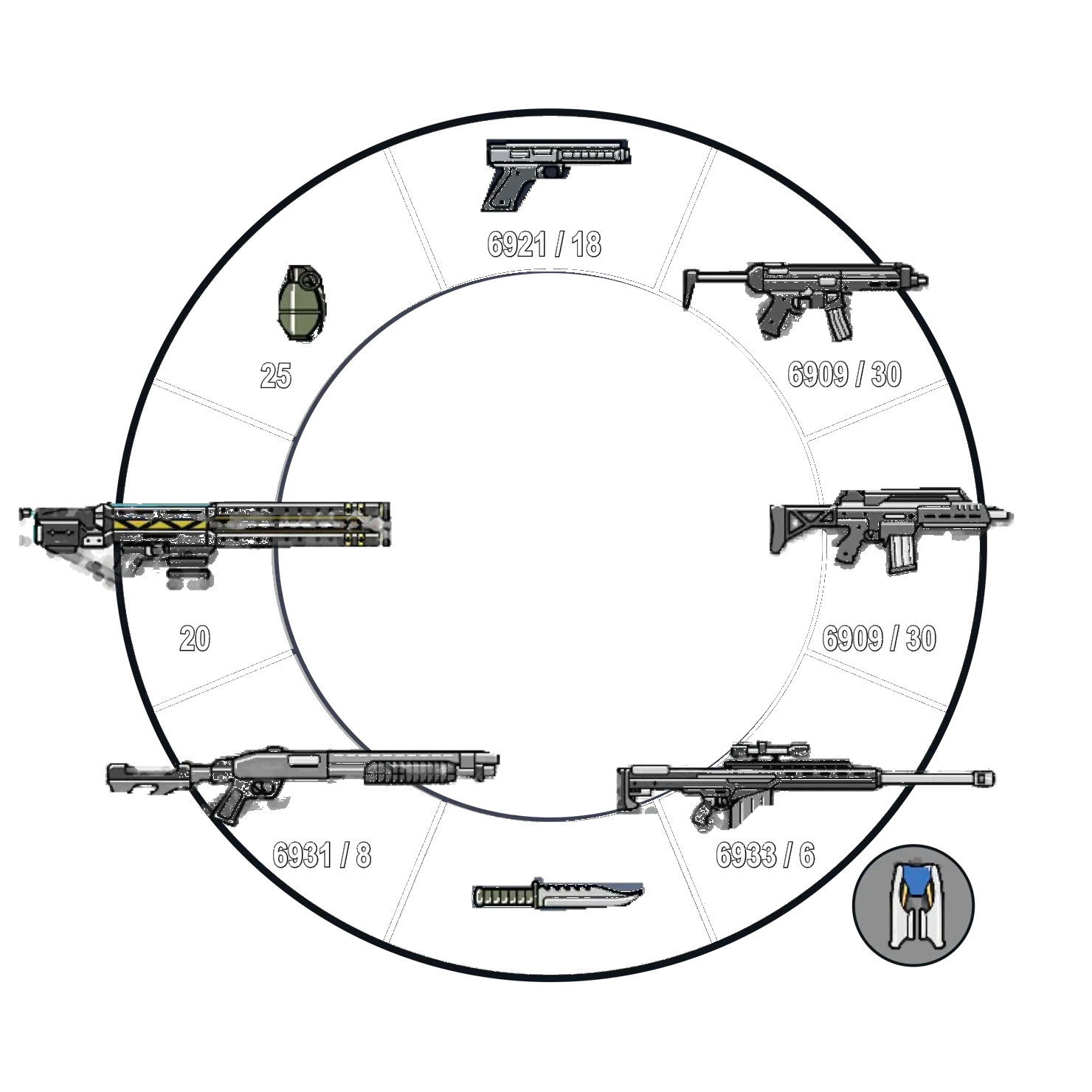
Hold, point, let go
Hold ⌥Space and the ring opens at your pointer. Move to a tool and let go.
Or tap to keep it open
Then click a tool, or press its number.
Push past for options
Keep going past Volume for its slider.
Music in the middle
Play, pause or skip from the center.
Click and hold anywhereor hold ⌥Space · click once to keep it openTouch and hold anywhereor tap once to keep it open
- ⌥SpaceHold to open, or tap to keep it open
- 1–8Run a tool
- Move between tools
- /Switch rings
- Run the highlighted tool
- escClose
Sixteen tools, keep the ones you use
All sixteen start on, across two rings of eight. Turn off or rearrange any of them.
Clipboard
Everything you copied, ready to paste.
Screenshot
A region, a window or the screen.
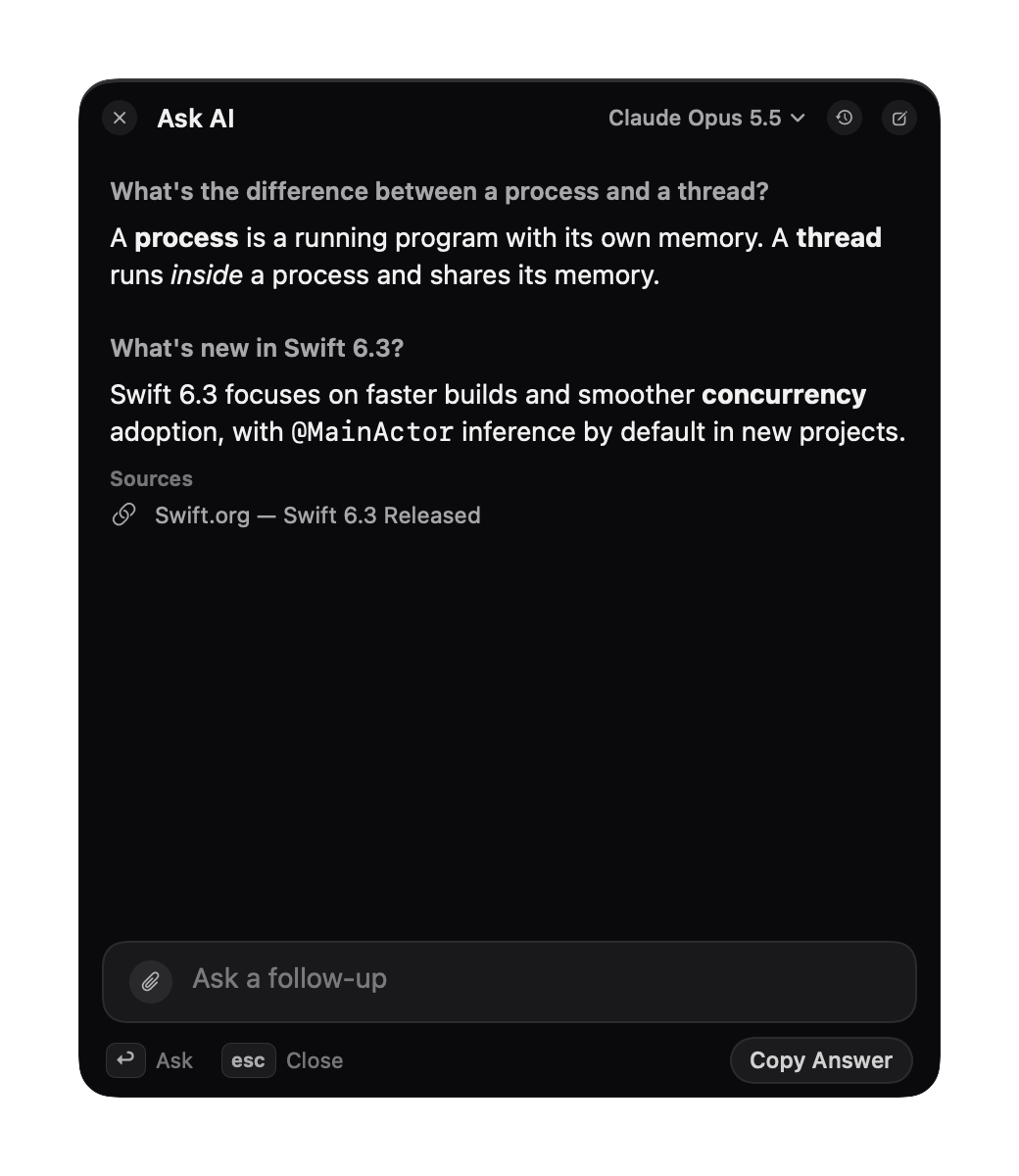
Ask AI
Chat with Claude or GPT in a small panel.
Notes
A floating scratchpad.
Calculator
Type the math; return copies it.
To-do
A quick checklist for today.
Volume
Mute, or a slider on the ring.
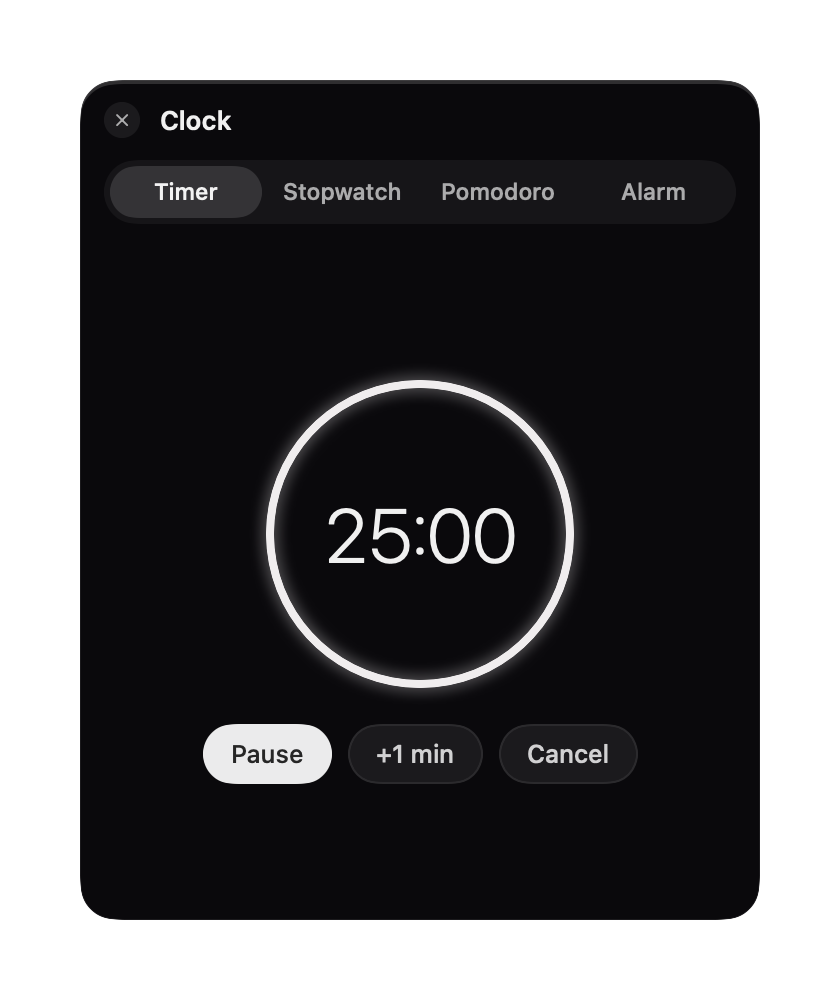
Clock
Timers, stopwatch, pomodoro, alarms.
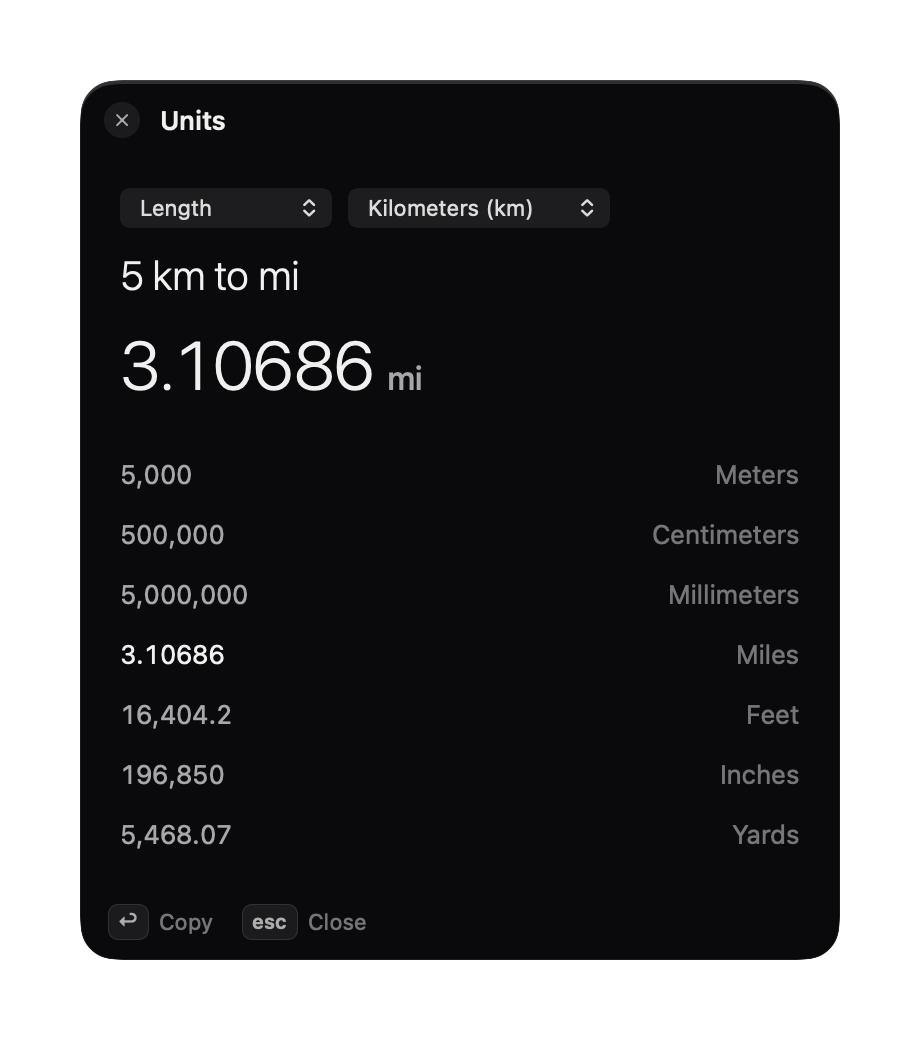
Units
Length, weight, currency and more.
Windows
Snap the front window into place.
Links
Links you want to keep.
Apps
Your pinned apps, one push away.
Reminders
Apple Reminders, synced to iPhone.
Voice Memo
Start recording in one move.
Screen Record
With or without your microphone.
Color Picker
Any color on screen, copied as hex.
- No account, no ads. Your data is stored only on your Mac.
- Clipboard history skips copies from password managers.
- Your API keys stay in your Mac's Keychain.
Some tools open into a panel
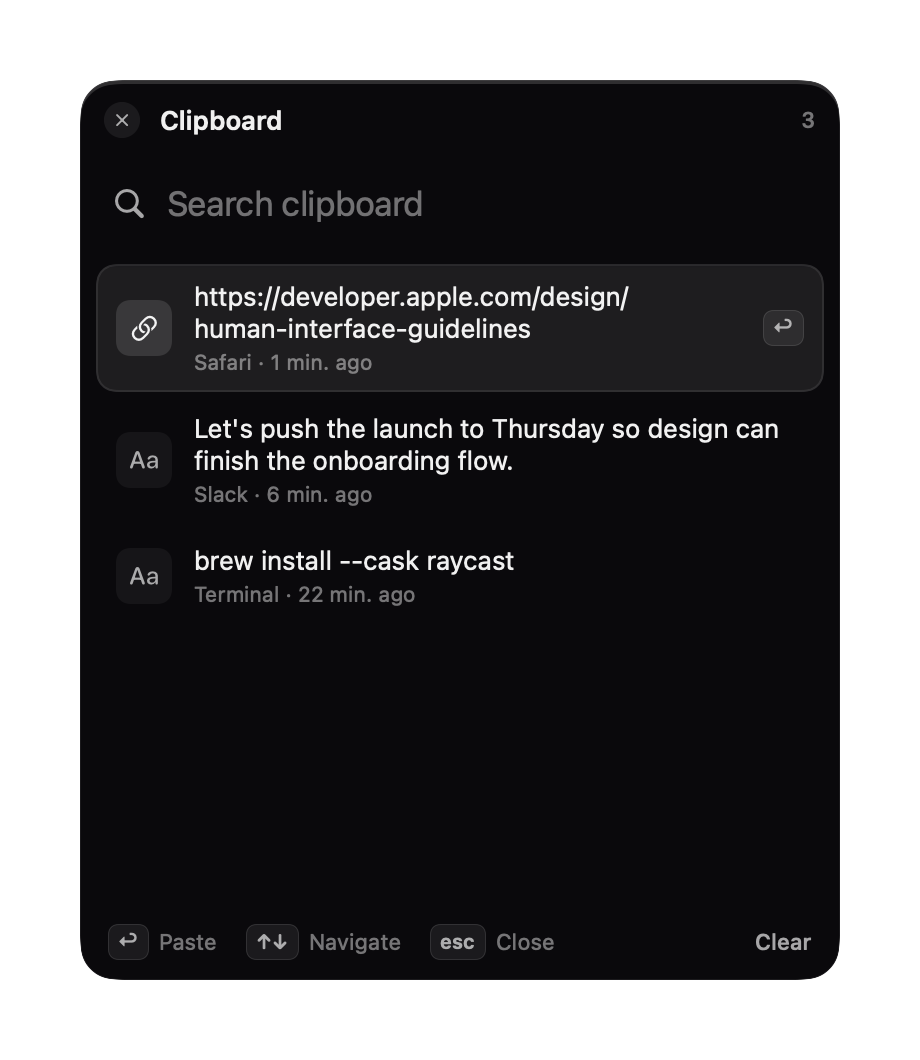
Everything you copied, a scroll away
Pick one and it pastes where you were typing.
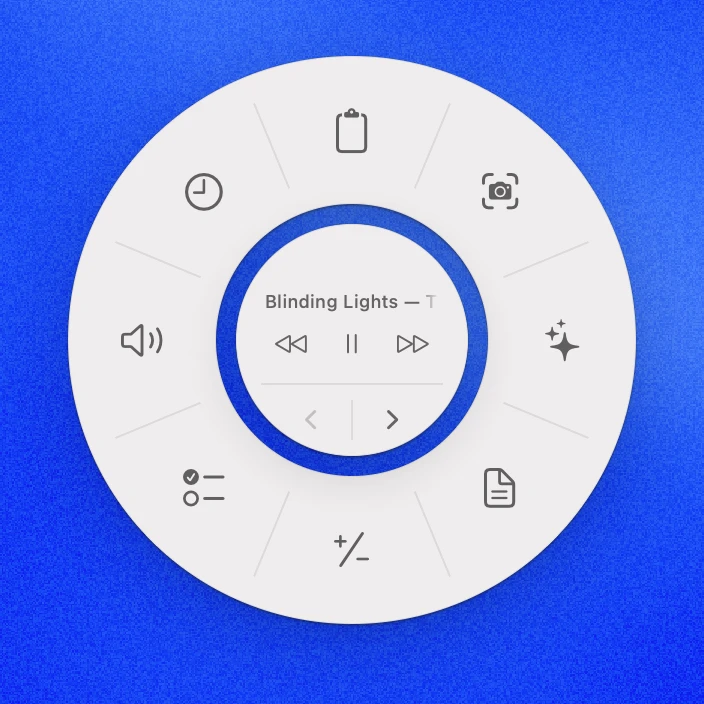
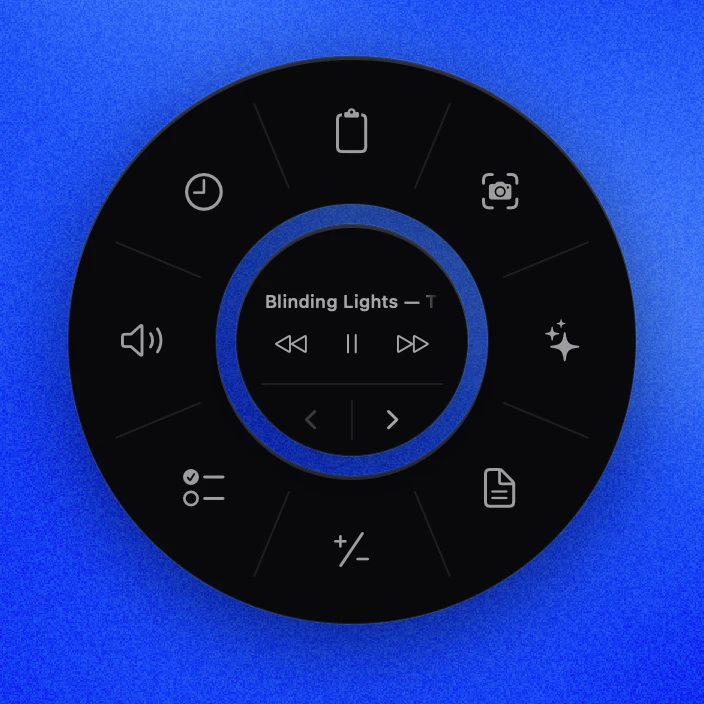
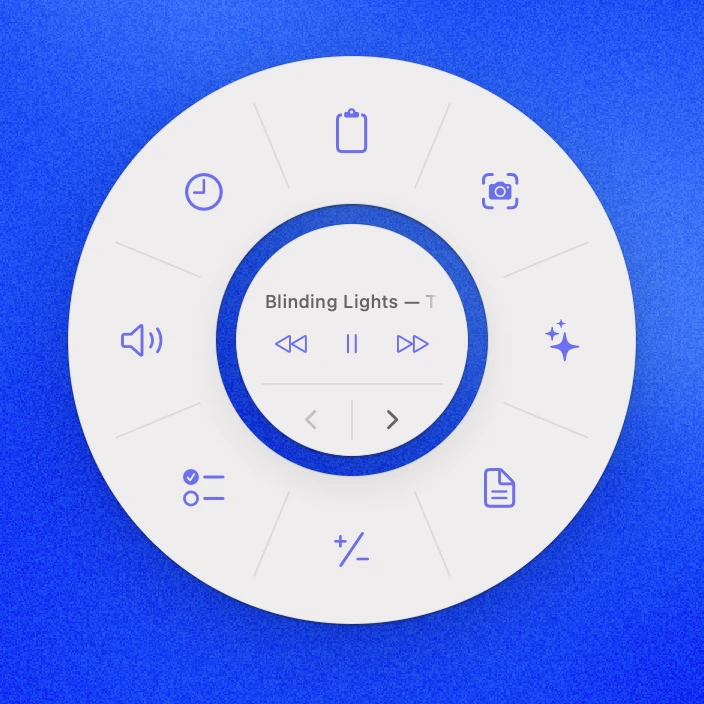
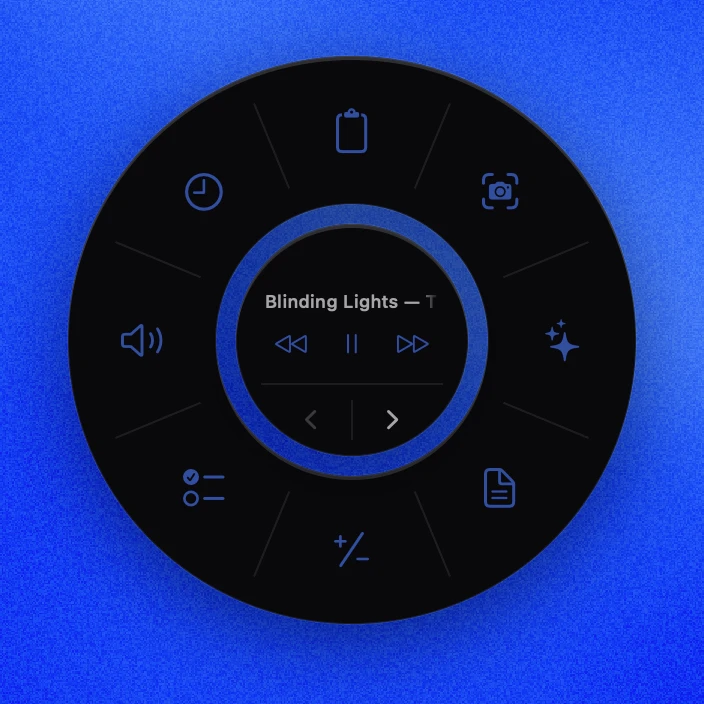
Three looks, pick yours
Every style follows your Mac's light and dark mode. Switch any time in Settings.
Studio
The default. Solid near-black or off-white.
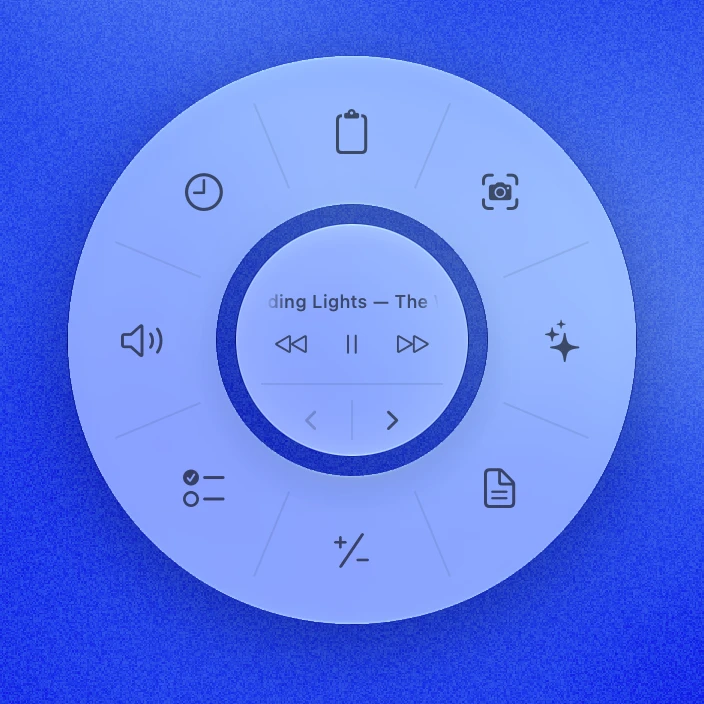
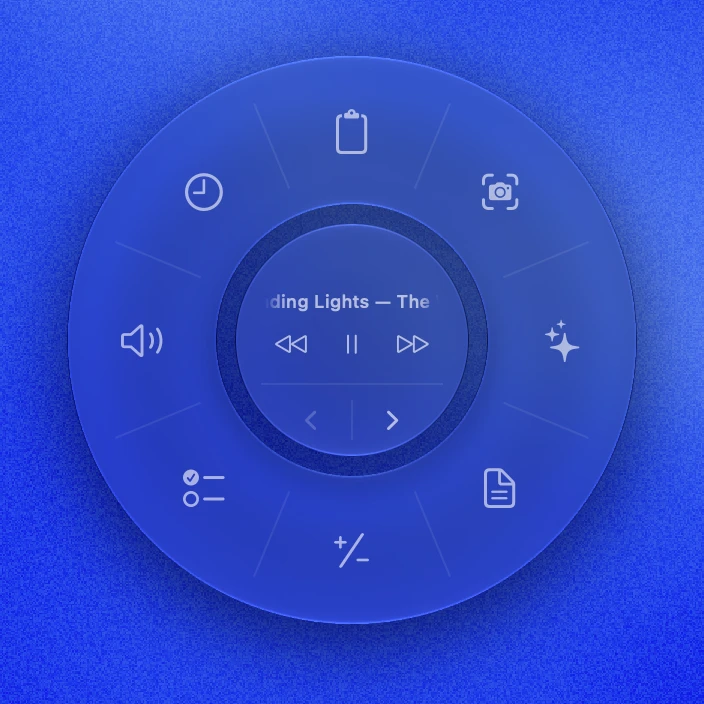
Native
Your Mac's own Liquid Glass.
Tinted
Studio, with every tool in a color you pick.
Questions, answered
Why does Helix need Accessibility access?
macOS asks for it before any app can paste for you, move windows or send media keys. Helix uses it for those tools, and doesn't record what you type.
Does Ask AI cost extra?
Not from Helix. It uses your own API key from Anthropic (for Claude) or OpenAI (for GPT), and they bill you for what you use, usually cents per question. The key needs API credit: a ChatGPT or Claude subscription doesn't include it. Every other tool works without a key.
Can I change the shortcut?
Yes. Pick any shortcut in Settings, or open the ring with your middle or side mouse button instead.
Does it work with Spotify and Apple Music?
Yes. Helix controls whichever is playing, and shows the song in the center of the ring. Pick one in Settings if you use both. The controls appear while Spotify or Apple Music is open.
Do I need the internet?
Only for Ask AI and currency in Units, which loads the day's exchange rates and keeps them for offline use. Everything else works offline.
Is it a subscription?
No. It's a one-time purchase, and every update is included, forever.
Which Macs does it run on?
Any Mac running macOS 14 Sonoma or later.
Can I use it on more than one Mac?
A licence works on one Mac at a time. To move Helix to a new Mac, deactivate it in Settings on the old one, then enter your key on the new one. For a second Mac, buy a second licence.
Can I get a refund?
No, all sales are final. Read through this page first, and if Helix doesn't run properly on your Mac after you buy it, get in touch and we'll help.